Every finance team, every founder, every person paying the company credit card bill wants the same answer at the end of the month: what did we actually spend, on what, with whom. There are two ways to get it.
The hard way is to dig through inboxes for an afternoon, build a spreadsheet by hand, miss two refunds and a renewal, and call it close enough.
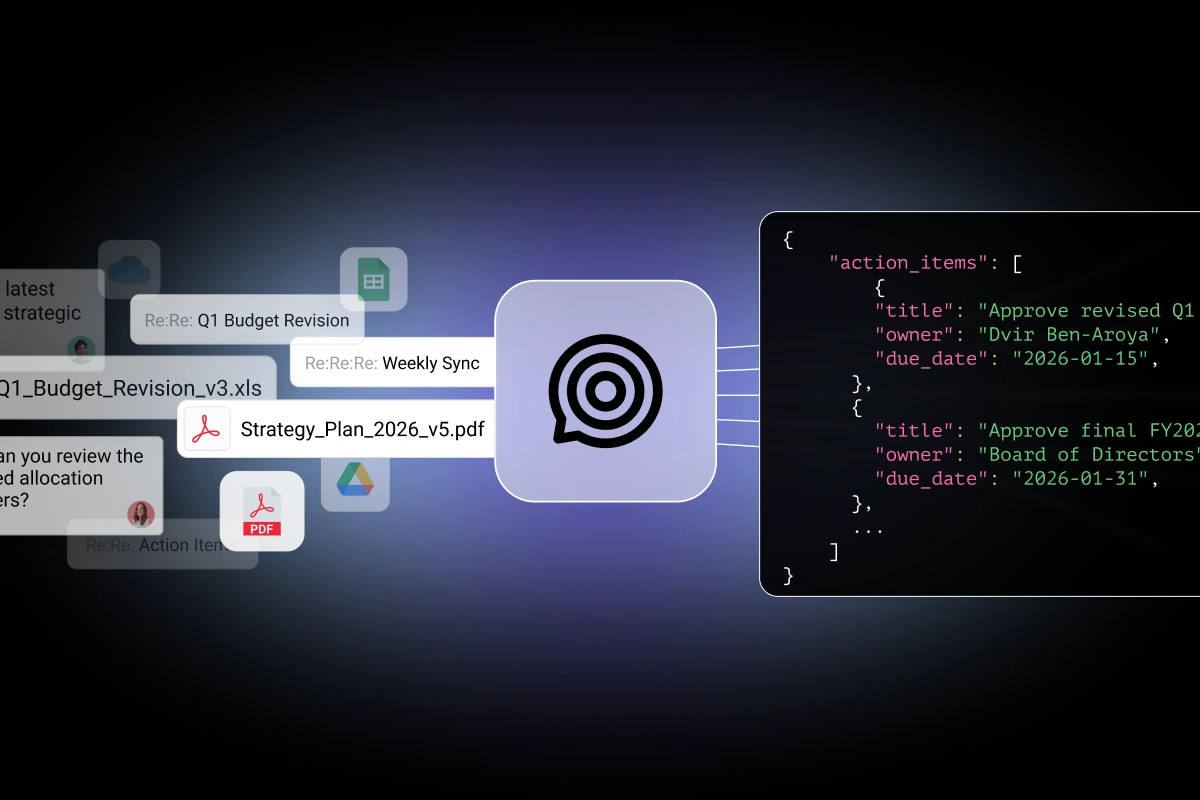
The easy way is one prompt to your own email. iGPT reads every billing-related email and PDF in the inbox, classifies what’s a charge versus a renewal versus a refund, catches duplicates across forwarded threads, and hands the whole thing back as structured data your finance stack can route anywhere.
Here is what one run pulled out of a real test inbox last week:
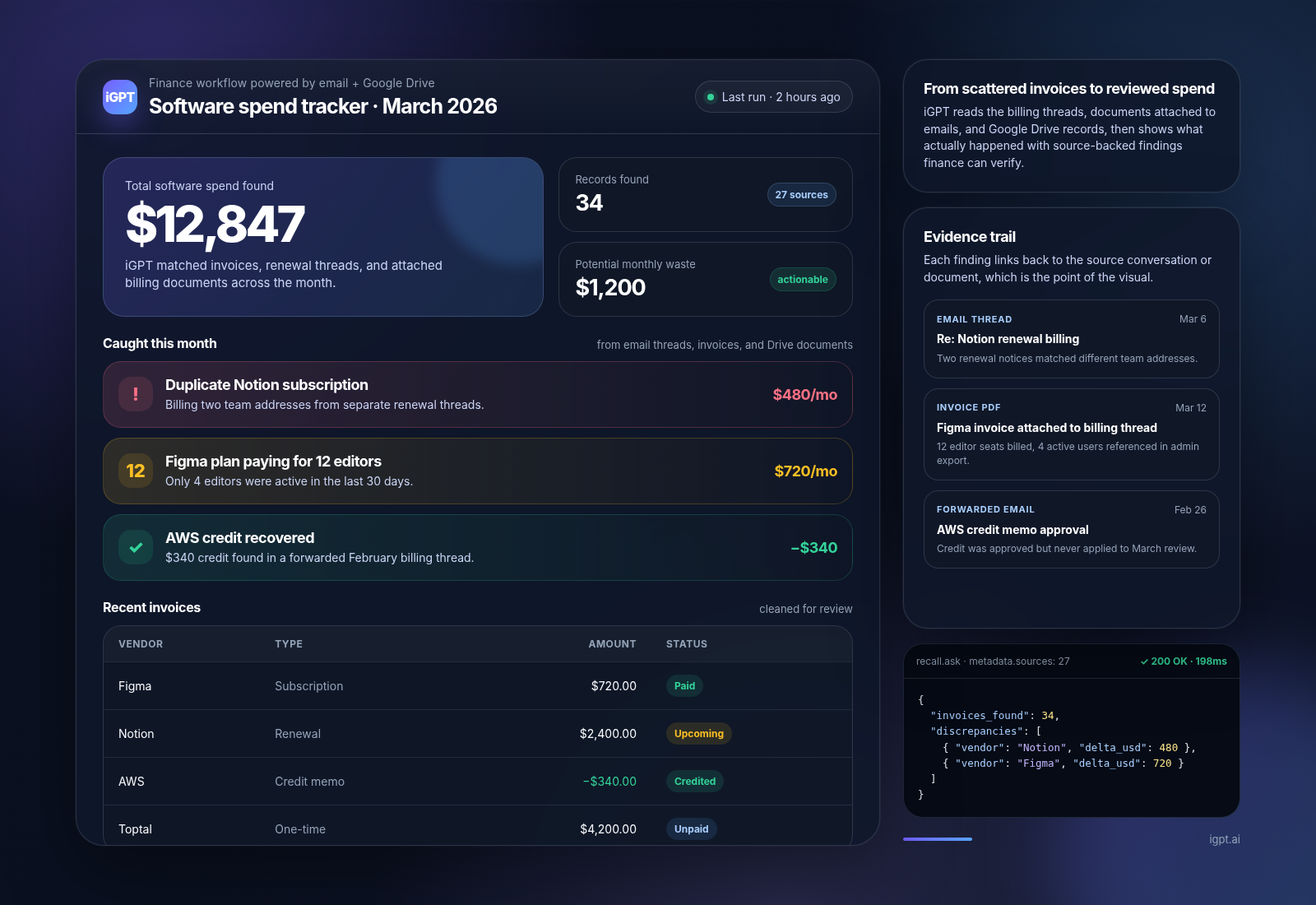
34 invoices across 19 vendors in March. A $340 AWS refund sitting in a forwarded thread from February that nobody had opened. A duplicate Notion subscription billing two different team addresses. A Figma plan paying for 12 editors when only 4 people are active. An auto-renewal scheduled for next week on a project tool the team stopped using in January.
Roughly $4,000 of “wait, we still pay for that?”, surfaced from one prompt in a few seconds.
This post is how to do it on your own inbox.
Why this is worth doing properly
The reason your finance team is not already doing this every month is that doing it accurately is harder than it looks, and an inaccurate answer is worse than no answer.
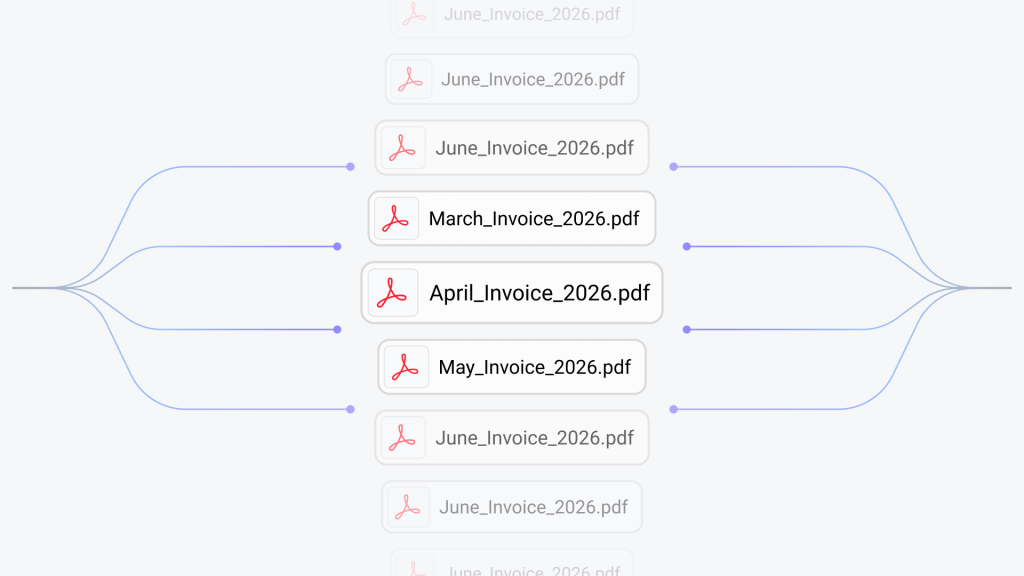
The same invoice arrives in your inbox three times. Original to billing@yourcompany.com, forwarded to finance, CC’d to the department head. The same vendor bills from billing@figma.com one month and receipts@figma.com the next. The Stripe receipt for a Toptal invoice comes from Stripe, not Toptal. The PDF says $1,275 and the email body says $1,200 because tax was added at the document level. A renewal notice for next month looks almost identical to a charge that already happened.
Get any of this wrong and your spend total is wrong. Three Figmas in your vendor list. A renewal double-counted as a charge. A refund missed entirely. The CFO is reviewing a number that does not match reality, and now decisions get made off it.
iGPT handles all of this once, at index time, before you ever ask a question. Threads get reconstructed. PDFs get read. Vendors get resolved across sender addresses. Duplicates get matched. By the time you run the prompt, the work is done. The query just pulls the answer.
The fastest way to see this work: the playground
Before any code, try it in the browser. Go to igpt.ai/hub/playground. Sign in with the inbox you want to ask about. Outlook or Gmail, OAuth, the standard “allow access” flow. Paste this prompt:
Extract every invoice, receipt, subscription, renewal, and refund from this month. When the email body and the PDF disagree, treat the PDF as the source of truth. Classify each record as a subscription, one-time charge, renewal, refund, or credit memo. Group duplicates that arrived in different threads.
Hit run. A few seconds later you have the answer. No install, no setup, no schema, no terminal. This is the moment most people decide whether the rest is worth their time.
If the playground gave you something useful, the rest of this post is how to put it on a schedule and send the output somewhere your team actually looks. Slack, a sheet, a dashboard, your accounting tool, a Friday morning email to the founder.
Putting it on a schedule
If you are not going to wire this into a system, the playground is enough. Skip to What you can do with this below.
For the rest of you, here is the build. It runs end-to-end in well under an hour.
What you need
An iGPT API key. Get one at https://igpt.ai/hub/apikeys/, then click your profile, then API keys.
Python 3.8 or newer on your computer. (If you do not know whether you have it, open a terminal and type python3 --version. If you see a number, you are fine.)
A code editor. Cursor, Claude Code, VS Code, anything you already use.
Step 1: install the SDK
Open your terminal. On a Mac that is Cmd+Space, type “terminal”, press enter. On Windows, Start menu, “command prompt”. Then type this and press enter:
You will see a few lines of output. When the prompt comes back, the SDK is installed and ready.
Step 2: make a new file and connect to iGPT
In your code editor, create a new file called invoices.py. Paste this:
from igptai import IGPT

igpt = IGPT(
    api_key="YOUR_API_KEY_HERE",
    user="finance",
)
Replace YOUR_API_KEY_HERE with your real key. The user field is just a label, call it whatever you want. It tells iGPT which inbox the script is asking about, so the same script can be reused for different teams without their data ever crossing.
Step 3: connect the inbox (first time only)
Add this below the previous code:
sources = igpt.datasources.list()

if not sources:
    auth_url = igpt.connectors.authorize()
    print(f"Open this link in your browser to connect your inbox: {auth_url}")
Save the file. Back in your terminal, navigate to wherever you saved it and run:
You will see a URL printed. Open it in your browser, sign in with Gmail or Outlook, and allow access. iGPT starts indexing in the background. Recent threads are queryable within about a minute, the rest backfills over the next few hours depending on how much email you have.
You only do this once per inbox.
Step 4: ask for the invoices
Now add the actual extraction call:
INVOICE_SCHEMA = {
    # The full schema is in the GitHub repo linked at the bottom of this post.
    # Paste it here in your file. It is about 30 lines and covers the standard
    # vendor / amount / dates / line items / payment status / source fields.
}

response = igpt.recall.ask(
    input=(
        "Extract every invoice, receipt, subscription, renewal, and refund "
        "from the last 30 days. When the email body and the attached PDF "
        "disagree, treat the PDF as the source of truth. Classify every record."
    ),
    quality="cef-1-high",
    output_format={"schema": INVOICE_SCHEMA},
)

print(response)
Two notes worth flagging.
quality="cef-1-high" is the higher-quality tier, and it is the right call for this kind of work because the agent is reading email attachments and resolving duplicates across senders. It costs more per run than the default tier. The job is monthly, not per-event, so the math works.
output_format is what makes the response come back as structured data instead of a wall of prose. Without it you get a paragraph. With it you get JSON your code can loop through.
Run the script again. The first response prints to your terminal. Read it once, make sure it looks right, then move on.
Step 5: route the output somewhere useful
This is where you decide what your finance ops actually look like. A few patterns:
for invoice in response["invoices"]:
    if invoice["invoice_type"] == "renewal":
        slack_post(
            f"Renewal coming: {invoice['vendor_name']} "
            f"for ${invoice['total_amount']}"
        )

    elif invoice["payment_status"] == "paid":
        sheet_append_row(invoice)

    elif invoice["invoice_type"] == "refund":
        finance_dashboard.flag(invoice)
Each of these is a few lines wrapping whatever tool you already use. The hard part of the work, finding and classifying and deduping the invoices, already happened in the previous step.
What you can do with this
This is the part that earns the build.
Find the SaaS subscriptions you have forgotten about. Filter to subscriptions only, group by vendor, sort by amount. The list will have at least one entry that makes someone in the room go “wait, we still pay for that?” Most teams running this for the first time find 5 to 15 percent of their software spend on tools nobody is actively using.
Catch annual renewals before they auto-charge. Filter to renewals where the start date is 30 days out. Slack the owner. Ask if the seat count still matches actual usage. The annual renewals are where this earns its keep, because those are the charges that surprise people, and a team using this consistently catches one or two unwanted annual renewals per quarter. That alone pays for everything iGPT-related several times over.
Roll up real spend per vendor, not per email address. When billing@figma.com, receipts@figma.com, and the Stripe processor handling Figma charges all appear in the data, grouping by vendor domain gives you the actual Figma number. The CFO asks “how much do we spend on Figma,” the answer is one line, accurate, with the source emails attached as evidence.
Reconcile refunds and credits properly. Refunds and credit memos come back classified as their own type, so they reduce your spend total instead of disappearing into a forwarded thread that nobody opened. The AWS credit sitting in February for two months gets caught the first time you run this.
Audit-trail every line item. Every record carries the source email subject, sender, and PDF filename. When finance asks “where did this $720 come from,” the answer is right there: 12 Figma editors at $60 each, March 3 through April 3, receipt PDF attached. The auditor stops asking questions.
Make the monthly close fifteen minutes instead of an afternoon. Pull the JSON, sync the paid invoices to QuickBooks or Xero, flag anything labeled unpaid, post the renewal calendar to Slack, done. Whatever your close process currently looks like, the data side of it just collapsed.
The shape of every one of these is the same. Filter the JSON, do something with the records. The hard part is already done.
Try it
Run the prompt on your own inbox at igpt.ai/hub/playground. Read what comes back. If it surfaces something you did not know was in there, the build is worth your hour.
The full working agent, including the schema, is on GitHub at github.com/igptai/igpt-invoice-agent. Fork it, edit the prompt for whatever your finance stack actually does, ship it.
The data has been sitting in your inbox the whole time. It used to take a multi-week engineering project to get it out. Now it is a prompt and an afternoon.